
Unicode to InPage Converter
Instantly convert Urdu Unicode text into InPage format and vice versa.
Just click and copy your converted text instantly.
ⓘ
InPage text looks like □□□ here — that’s normal. Paste it and the Unicode result appears on the right.
Unicode
بولیں…
0 · 0
Live
InPage
0
A
A
18px
Ready
Saved Clips
ابھی کوئی آئٹم نہیں
Most folks discover the Unicode to InPage bridge out of sheer aggravation, not curiosity. You type beautiful Urdu somewhere, paste it into InPage, and watch characters scatter like broken tablets. That moment births every user journey.
Working across mobile phones and desktop devices for years, I’ve noticed the encoding gap is rarely about language itself. It’s about how each platform renders the same written text through wildly distinctive mapping logic underneath.
The introduced Unicode standard assigns every character a unique numeric value, a universal number meant to represent and handle multilingual writing systems consistently across any program or operating systems worldwide today.
InPage, however, predates that format thinking. Its back-end coding system treats each glyph as its own type, where design software programs read a string that differs entirely from the numerical value Unicode expects to see displayed.
That gap is precisely why news agencies, designers, and international publishers leaned on the Nastaʻliq script compatible InPage Urdu converter. Social media boost in usage and newspapers processed through one online tool ended decades of aggravation.
Table of Content:
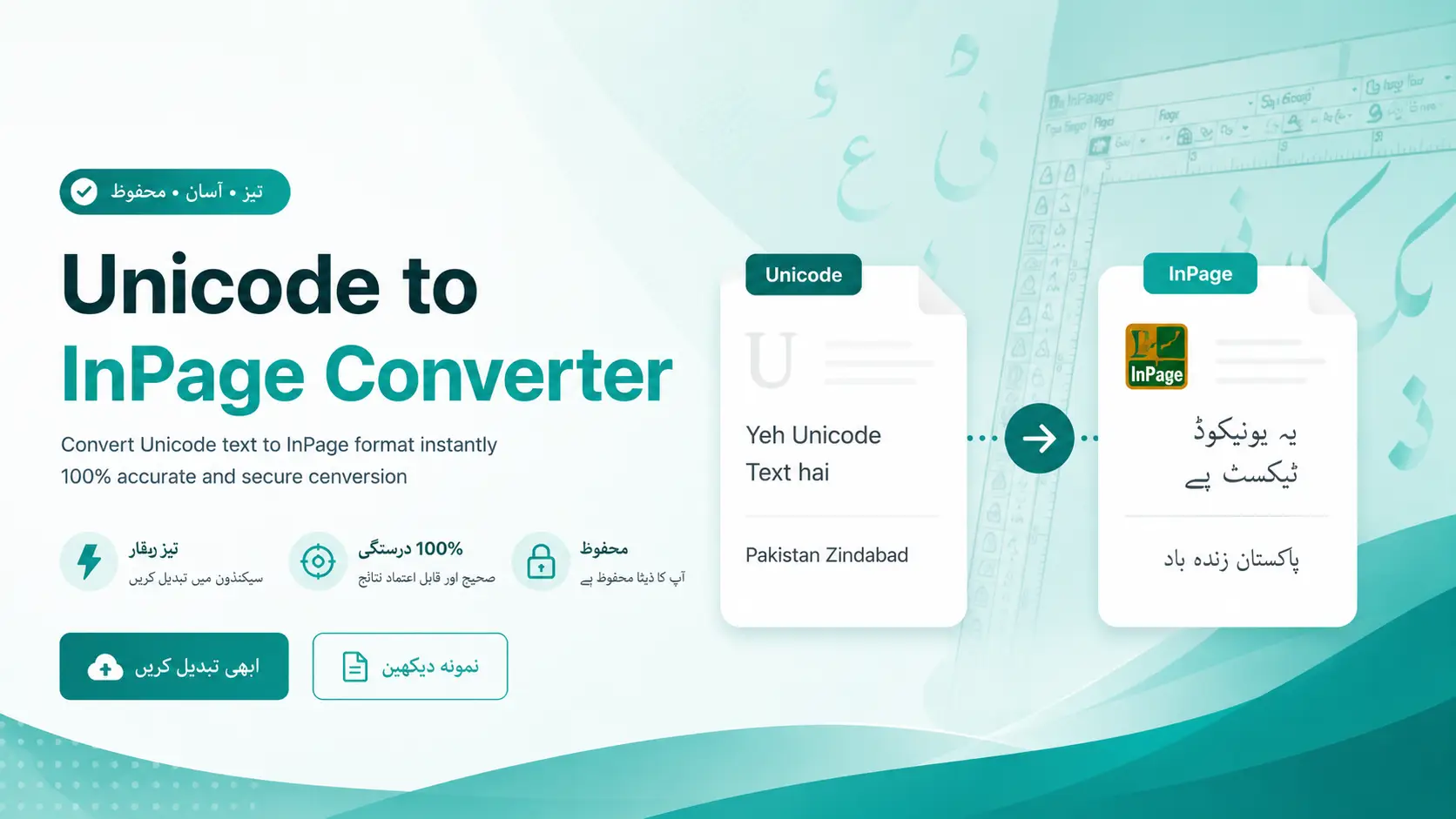
What Is Unicode To InPage Converter?
A Unicode to InPage Converter is one of those handy web-based tools that maps Unicode Urdu characters into InPage-compatible format, bridges two writing systems so users get accurate representation of documents without rebuilding everything manually.
InPage was developed in Pakistan back in 1994 as a page layout processor for Urdu script written right-to-left; the converter essentially rescues old archived documents trapped inside that legacy desktop publishing environment for modern reuse.
Most assume it’s copying text, but in reality a sophisticated algorithm analyzes each character, converts glyph mapping, and transforms Unicode points into InPage counterparts while keeping the basic layout, styles, and selectable text Fully intact.
From my work with newspaper column layouts to helping a website designer enthusiast repurpose Urdu books and advertisements, this converter saves real time and effort for persons juggling Adobe Photoshop, Adobe XD, Corel Draw simultaneously.
A truly reliable Unicode to InPage Converter runs instantly through any browser, handles multi-page paragraphs, supports multiple formats, processes extremely long texts, and preserves original layout styles without any distortions, inconsistencies, or potential data loss.
How Does The Converter Work?
Behind every conversion sits a mapping algorithm that reads each Unicode character and locates its InPage glyph counterpart. The tool quietly decodes incoming text, identifies Urdu letter shapes, then rebuilds connected forms through pattern logic.
When you paste Unicode Urdu into the input field, the converter process quickly scans every symbol code point. It reads Nastaliq encoding signals, separates brackets, punctuation, linguistic elements, preserving original structure without manual intervention entirely.
Most people miss that InPage runs on a glyph-based system while Unicode assigns each character one universal code. The converter bridges that gap, remapping standard Unicode values to font format entries InPage fonts actually understand.
After processing is completed, output appears instantly on the right text area ready for copy or download. The engine retains formatting integrity, ensuring Jameel Noori Nastaleeq display matches what publishers expect across newspapers and magazines.
Each session stores your last conversion in memory, allowing quick access for editing later. Compatibility spans Windows, macOS, Linux, Android, iOS, browsers, apps, websites, blogs, Google Docs, plus CMS databases through online utility infrastructure seamlessly.
What Is InPage?
InPage emerged as the dominant desktop publishing software in South Asia, engineered specifically for creating newspapers and books in Perso-Arabic script. Its stability made it indispensable for publishing houses handling regional languages professionally every day.
Anyone who has worked at a newspaper desk knows InPage isn’t merely an application it’s a typesetting environment built around Arabic, Persian, Sindhi characters, allowing designers to manipulate classic layouts with precise kerning control.
Unlike modern editors, InPage relies on a legacy font-based encoded architecture where each glyph occupies a specific position. This explains why copied text often appears as broken symbols when published elsewhere outside its native program.
Many newcomers wrongly assume InPage is hopelessly outdated, yet professional brochures, book layouts, and print deliverables across regional media still depend on its advanced typographic features. The classic Workflow remains entirely unmatched for complex scripts.
A skilled news writer I knew typed entire stories directly inside InPage on her tablet, then exported finished PDF files to designers who polished digital content before final publishing proof of its enduring practical value.
What Is Unicode?
Most newcomers misunderstand Unicode entirely, treating it like a typical font when it’s really a universal encoding standard. It quietly assigns numerical IDs to every character, enabling smooth text display worldwide across platforms and devices.
Before its arrival, computing environments relied on fragmented, non-Unicode encodings producing unreadable errors whenever Arabic, Persian, or Urdu text crossed between systems. Unicode solved that chaos by unifying everything into one consistent, compatible numerical map.
From a practitioner’s lens, Unicode matters because writers, reporters, and designers can now type content in their native language, share it instantly via WhatsApp or Microsoft Word, and trust it renders accurately everywhere without distortion.
Technically, the Unicode standard is versatile enough to handle complex scripts including bi-directional flows, Perso-Arabic ligatures, and hyphenation rules. Every glyph receives a unique code point that’s supported widely across nearly all modern operating systems.
Honestly, after years working with Urdu publishing workflows, I’d argue Unicode’s real beauty isn’t its advanced typography capabilities, but its quiet accessibility, anyone can copy, paste, convert, and publish clean files without proprietary software licenses.
How To Use The Unicode To InPage Converter?
Honestly, after years of switching between Urdu typing systems, I’ve found this workflow surprisingly painless overall. First, navigate to the webpage, then open the file containing your Unicode text or load the document directly here.
Now next, you’ll select all your content using Ctrl+A, then copy via Ctrl+C, or simply paste fresh material straight into the input box. Personally, I prefer inputting text manually when handling shorter passages.
Before hitting anything, select from the available options to specify your target font and relevant parameters. These configuration choices matter more than newcomers realize, especially when working with external source material from older Urdu publications.
Click or press the conversion button to get your result beautifully formatted converted text ready for use. Some interfaces have multiple buttons; the system will generate corresponding InPage script almost instantly from your Unicode content.
After conversion finishes, click the copy button, select converted text inside the box, then press to save the document as a file. Choose export options, click the input box again to enter another converted batch. Continue learning on how to use Inpage?
Key Features and Benefits of Using a Unicode to InPage Converter
Working with old books and archived files, Precise Glyph to Unicode Conversion ensures each Unicode Urdu character renders clean and editable. The tool retains searchable Unicode Urdu output across Modern Platforms through Ease of Use.
The game-changer is seamless conversion capabilities that unlock endless possibilities. Converting Old InPage Documents for Word, Google Docs, PDF editors, and databases becomes effortless. The advantages include preservation of symbols alongside visually appealing content throughout.
Fully Compatible with languages and specific scripts, this invaluable tool reduces effort in Simplified Content Creation. It leverages advanced typographic features, delivers enhanced compatibility, preserving every symbol in the text conversion process and text conversion endeavors.
Best Practices for Using the Converter
Following best practices in converting text means never manually converting files without thoroughly checking pre-conversion settings. Proper workflow eliminates hassle, ensures Accuracy, keeps all formatting intact, and accurately represents every character within the InPage format.
Always align Unicode fonts with target InPage font formats before starting the conversion. This helps quickly transform content, protecting the content creation process while maintaining Preservation of Formatting, including every punctuation mark and linguistic elements.
Leveraging the User-Friendly Interface to navigate InPage documents systematically always ensures success. Support for Multilingual Content keeps converting Unicode text straightforward, preserving original meaning and upholding Preservation of Text Integrity through every reliable conversion workflow.
Limitations
Despite being a powerful tool, this converter carries notable limitations. Incompatibility regularly emerges when processing complex Unicode characters from rare writing scripts, producing inconsistent rendering regardless of software availability or the system’s current technical configuration.
Potential loss of advanced typographic features is a persistent concern. When Urdu word processing software demands strict kashida fidelity, the conversion strips these crucial elements, affecting how practitioners publish refined, typographically sophisticated Urdu-language materials effectively.
Dependence on tool availability limits the ability to fully leverage offline workflows. While converting a single Unicode font is Time-saving, batch-processing across multiple languages requires consistent internet access, often introducing delays undermining overall project efficiency.
Frequently Ask Questions:
Can I Convert Long Urdu Documents?
Yes, the converter handles long Urdu documents without any major issues. Whether you are working on a short article or a multi-page research paper, the tool processes the entire text in one go. Paste your full content into the input field and the conversion runs cleanly from start to finish.
Do I Need to Install Anything?
No installation is required at all; this is a fully web-based tool that runs directly in your browser. There are no software downloads, no plugins, and no system configurations to deal with. As long as you have internet access, the converter is ready to use on any device.
Is This Converter Free?
Yes, this converter is completely free to use with no hidden charges, subscription plans, or signup requirements. You can run as many conversions as you need without spending a single rupee or dollar. Just open the tool, paste your text, and get your output instantly.
Will the Output Work on All Devices?
The converted text is fully compatible with modern devices including Android phones, iPhones, tablets, and desktop computers. It displays correctly across all major browsers and within apps that support Unicode or InPage font rendering. You won't need any special setup on the receiving device to view or use the output properly.
Is the Converter Tool Compatible with All Versions of InPage?
The converter produces output that works with the most widely used versions of InPage, including both older and newer releases. Some very outdated versions may occasionally display minor rendering differences due to legacy encoding gaps. For the best results, using InPage 3.0 or a more recent version is generally recommended.
Can I Convert InPage Content Back to Unicode Using the Converter?
This particular tool is designed specifically for converting Unicode text into InPage format, so the reverse process is not directly supported here. For converting InPage content back to Unicode, you would need a separate dedicated tool built for that direction of conversion. Several such tools are available online that handle InPage-to-Unicode output reliably.